AI agents are often described like tiny digital superheroes.
Give them a goal, give them tools, and watch them fly across the internet solving problems while you sip coffee and admire the future.
That story is entertaining. It is also how projects get weird fast.
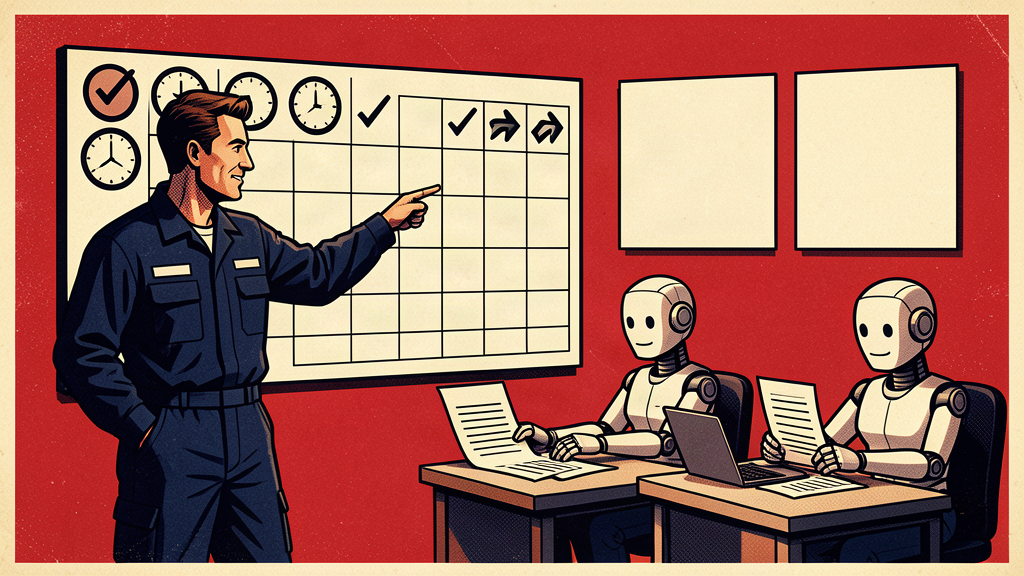
The better approach is less glamorous and much more useful: give your AI agents shifts, not superpowers.
A shift is a scheduled, limited assignment with a clear beginning, clear ending, defined tools, expected output, and approval rules. It turns an AI agent from a mysterious autonomous creature into a practical member of the workflow.
That is where agents start making real business sense.
## The shift model
Instead of asking, “What can this agent do?” ask, “What shift should this agent work?”
Examples:
– Monday 8:00 AM: review open support tickets and prepare a priority brief.
– Daily 4:30 PM: identify CRM follow-ups that are overdue and draft reminder tasks.
– Wednesday noon: scan website form submissions for common questions and content gaps.
– Friday 3:00 PM: compare project updates against deadlines and flag risks.
– First business day of the month: prepare a draft metrics summary from approved reports.
These are not science fiction assignments. They are clerical, analytical, and coordination-heavy jobs that consume human attention every week.
Give the agent a shift. Let the human keep the judgment.
## A useful agent has five parts
Before deploying an agent, define these five things.
### 1. The mission
What is the agent responsible for producing?
Not “help with operations.” Too vague.
Better: “Review all open onboarding tickets and produce a list of stuck items, missing information, and recommended next actions.”
### 2. The workspace
What data can the agent access?
Limit the workspace to approved sources. A support-ticket agent probably does not need payroll files. A content agent probably does not need finance data. Access should match the job.
### 3. The tools
What is the agent allowed to do?
Can it read? Draft? Create tasks? Send messages? Update records? Trigger workflows?
Start with read and draft. Add write permissions only after the output is consistently reliable and the rollback path is clear.
### 4. The handoff
Who reviews the output, and what do they do with it?
An agent without a handoff becomes another inbox. That is not productivity. That is digital clutter wearing a hard hat.
### 5. The stop sign
When should the agent stop and ask for human review?
Examples:
– Low confidence
– Missing source data
– Conflicting records
– Financial impact
– Customer-facing response
– Legal, HR, or privacy sensitivity
– Any action that cannot be easily reversed
The stop sign is what makes agents safe enough to use.
## Practical agent shifts worth testing
### The follow-up foreman
This agent reviews CRM activity and identifies conversations that have gone quiet. It drafts follow-up language, suggests next steps, and flags stale opportunities.
It does not send the email automatically at first. It prepares the work so a human can move quickly.
### The meeting miner
This agent reviews transcripts or notes and extracts decisions, action items, deadlines, owners, and unresolved questions. It can also compare new action items against old ones to identify repeat delays.
This is especially useful for teams that have excellent conversations and suspiciously little follow-through.
### The policy patrol
This agent watches internal questions and compares them against approved policies. It flags where the policy is unclear, missing, outdated, or contradicted by actual practice.
That makes it useful for HR, operations, IT, membership, finance, and compliance-heavy teams.
### The content quartermaster
This agent reviews customer/member questions, search terms, chatbot logs, and support issues. It recommends articles, FAQs, videos, or website updates that would reduce repeated confusion.
In other words: it turns support pain into content strategy.
### The data sentry
This agent checks reports for anomalies before humans present them. Missing values, strange spikes, duplicate records, sudden drops, inconsistent naming, expired dates — all the glamorous work nobody wants to do manually.
A data sentry does not replace analysis. It improves the odds that the analysis starts from clean ground.
## The approval ladder
Do not give agents maximum autonomy on day one. Use an approval ladder.
Level 1: Read and summarize.
Level 2: Draft recommendations.
Level 3: Create internal tasks for review.
Level 4: Update low-risk records with logging.
Level 5: Take limited approved actions under strict rules.
Most organizations should live at levels 1 through 3 for a while. That is not timid. That is mature.
The goal is not to prove that an agent can do everything. The goal is to prove that it can do one useful thing reliably.
## Keep the logs
Every agent should leave a trail:
– What it reviewed
– What it changed, if anything
– What sources it used
– What confidence level it had
– What it escalated
– Who approved the output
Logs turn agent behavior into something that can be audited, improved, and trusted. Without logs, you are just hoping the robot had a good day.
Hope is not an operating model.
## Start with one shift this week
Pick one recurring task that is annoying, frequent, and low-risk. Give the agent a narrow shift. Require a short output. Review it manually. Improve the prompt. Repeat next week.
That is how agents become useful: not through grand speeches about transformation, but through scheduled, controlled, measurable work.
Give them shifts. Give them guardrails. Give them feedback.
Then let your human team spend more time on judgment, relationships, strategy, and creative problem-solving — the work that still deserves a human nameplate.
Ralph Perez’s book Fear Less, Live More includes other practical ways to use AI with more clarity, confidence, and momentum.
Book link: https://www.amazon.com/Fear-Less-Live-More-Practical/dp/B0GGBWHFN2/
Keep building practical AI confidence
Fear Less, Live More
Ralph Perez’s book includes additional practical ways to use AI with more clarity, confidence, and momentum.