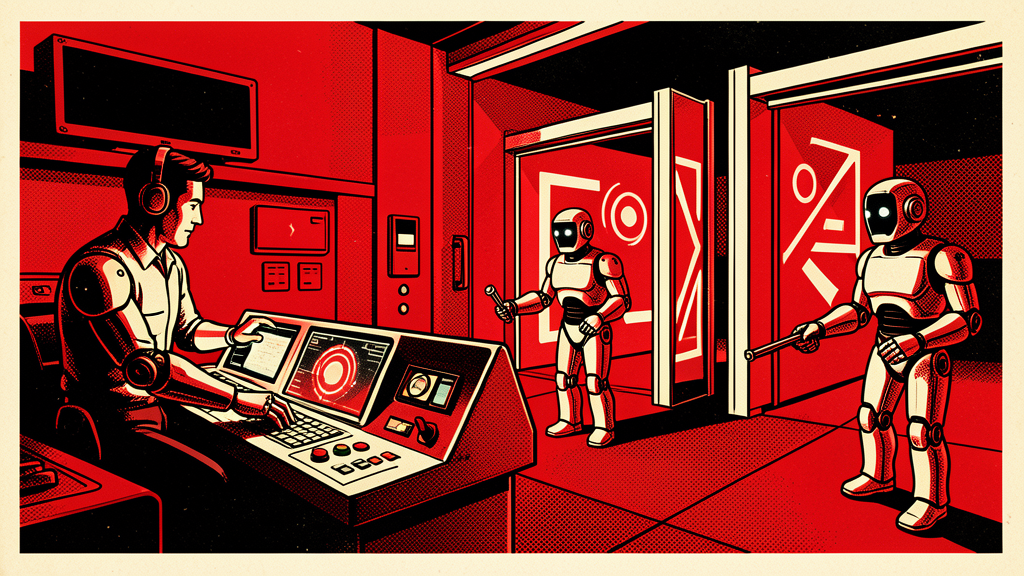
# Put Checkpoints in Your AI Agents Before You Give Them the Keys
The fastest way to make AI agents useful is not to make them more autonomous.
It is to make them more disciplined.
An AI agent that can read an inbox, summarize context, draft responses, update a CRM, create tickets, and trigger follow-ups sounds impressive. It can also create a beautiful mess if you let it act everywhere without checkpoints. Practical AI is not about replacing judgment. It is about placing judgment exactly where it matters.
That is the difference between a helpful operator and a caffeinated robot with admin rights.
## The checkpoint model
Design AI agents with clear stages:
1. **Observe:** collect information from approved systems.
2. **Interpret:** summarize what changed and why it matters.
3. **Recommend:** propose the next action.
4. **Draft:** prepare the email, task, note, or update.
5. **Pause:** ask for human approval when risk is present.
6. **Execute:** complete low-risk actions automatically.
7. **Log:** record what happened and why.
This gives you the benefit of automation without surrendering control. The agent does the tedious work. The human keeps the authority.
## Where checkpoints belong
Not every action needs approval. If your agent is tagging a message, summarizing a meeting, or creating a draft task, let it move. If it is sending an external message, changing a customer record, issuing a refund, modifying access, or escalating a legal concern, slow it down.
A good rule: if the action could affect money, reputation, privacy, access, or a customer relationship, require a checkpoint.
That is not fear. That is operations.
## A practical example
Imagine an AI agent monitoring a shared sales or support inbox. It sees a message from a high-value prospect asking a pricing question. A reckless agent might answer immediately. A useful agent does this:
– identifies the contact and account history
– summarizes the request
– checks recent notes and open tasks
– drafts a response in the company voice
– recommends whether to route it to sales, support, or leadership
– asks for approval before sending
– logs the final action in the CRM
That saves time, improves consistency, and protects the relationship.
## Build permissions by risk level
Use three levels of agent authority:
**Green actions:** safe to complete automatically. Examples include summaries, internal tags, draft notes, duplicate detection, and task creation.
**Yellow actions:** prepare but do not send. Examples include customer replies, vendor follow-ups, proposal edits, renewal reminders, and policy interpretations.
**Red actions:** require explicit human approval. Examples include refunds, contract statements, HR issues, legal language, access changes, account deletions, and public posts.
This simple model turns AI from a vague experiment into a manageable operating system.
## Make the agent show its work
Do not accept mysterious automation. Require the agent to include a short rationale:
– What data did it review?
– What conclusion did it reach?
– What action does it recommend?
– What uncertainty remains?
– What does it need a human to approve?
If the agent cannot explain the recommendation clearly, it should not act.
## The real win
AI agents should remove the repetitive drag from work, not create new anxiety. Checkpoints make them trustworthy enough to use daily. They also make your workflows easier to audit, train, and improve.
Start with one process. Add one agent. Define the checkpoints. Let it draft, route, summarize, and prepare. Then expand only after the workflow proves it can behave.
Ralph Perez’s book Fear Less, Live More has other practical ways to use AI with more clarity, confidence, and momentum.
Book: https://www.amazon.com/Fear-Less-Live-More-Practical/dp/B0GGBWHFN2/
Keep building practical AI confidence
Fear Less, Live More
Ralph Perez’s book includes additional practical ways to use AI with more clarity, confidence, and momentum.